
Credit Card and PayPal Payment Guide
Sparks Smoke currently supports Credit Card and PayPal payments. This guide explains what to check before payment, what confirmation means, and what information is appropriate when contacting support.
Before Completing Checkout
Check the product, quantity, delivery address, delivery fee, and final total before choosing a payment method.
1. Review the Order Summary
Confirm each product and quantity, the delivery charge, and the delivery address. Correcting details before payment helps prevent avoidable processing delays.
2. Choose Credit Card or PayPal
Available payment methods are shown during checkout. Follow the payment provider's on-screen instructions and do not send full card details through email, chat, or public messages.
3. Payment Confirmation and Processing
An order enters processing after payment is confirmed. A failed, cancelled, or incomplete payment does not have the same status as a confirmed payment.
4. Payment Support
For a payment question, provide the order number, customer name, payment method, and a short description of the issue. Do not provide full card numbers or security codes.
Frequently Asked Questions
Which payment methods are supported?
Sparks Smoke currently supports Credit Card and PayPal payments.
When does order processing begin?
Order processing begins after payment confirmation.
Should card details be sent to support?
No. Never send full card details or a security code through email, chat, or public messages.
OUR STORY
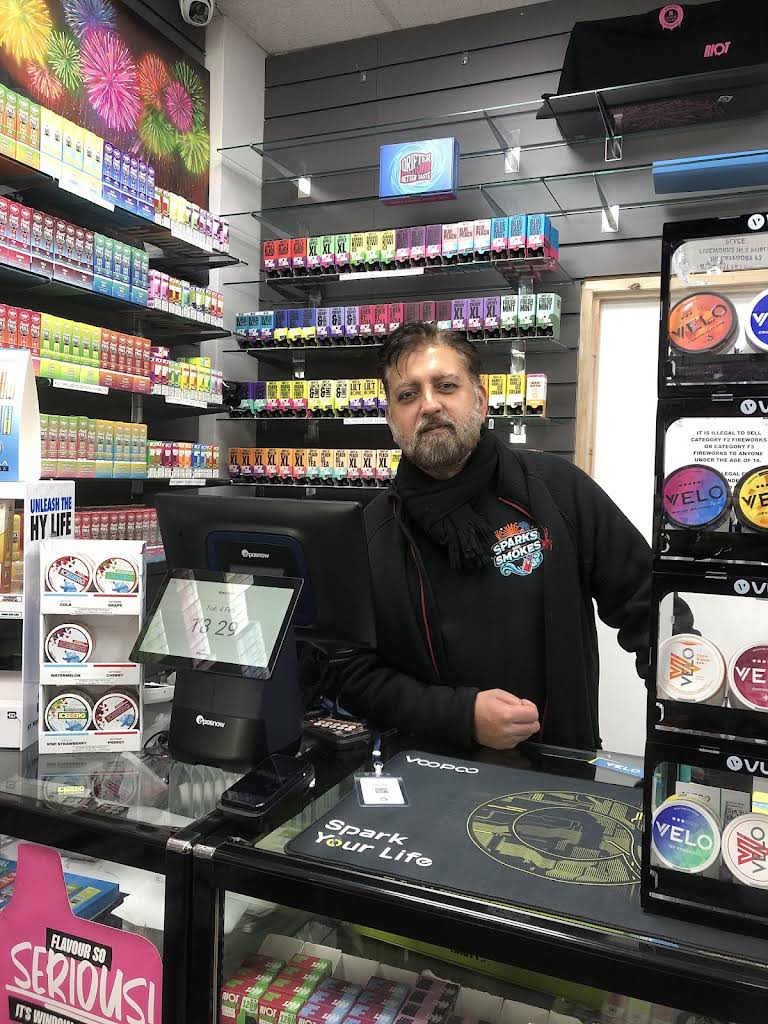
From our former Ilford store to online-only service
Sparks Smoke operated a retail shop in Ilford until March 2026. We now support adult UK customers online with tracked delivery, order updates and privacy-reviewed dispatch examples.
View our story, former store & delivery